
SKU: TYNQ75VAWIFI7T9PDV2


+13
More


Weekend Sale
Deals
VEVOR Professional WiFi Weather Station 7-in-1 Solar Powered Weather Center 7.5-inch Display 150m Transmission Range Outdoor Sensor for Wind Speed Wind Direction Temperature Humidity Rainfall
Weekend Sale
Deals
4.2 2230 Reviews
91 90 €
Each when you buy 0+.
Shop
Get -% off for new user
Get 5,00€ Off 99,00€+ Orders on Your First 3 App Orders.
Download Now


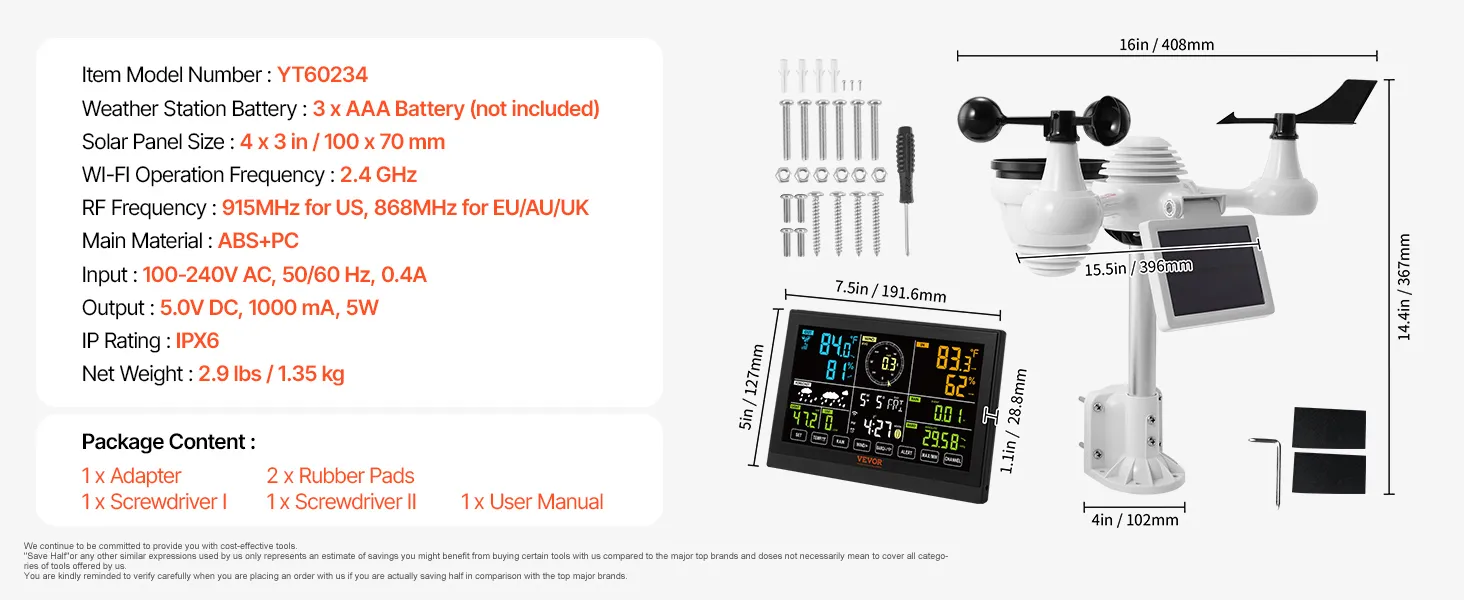
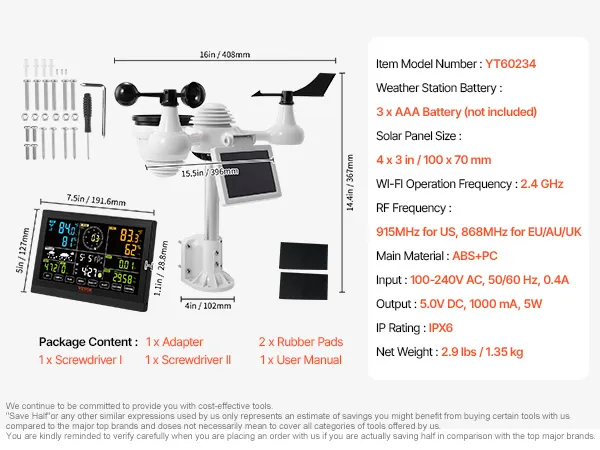
- 7-in-1 Sensor: Our Wi-Fi weather station provides precise measurements of wind speed, wind direction, temperature, humidity, rainfall, light, and more. It also displays wind chill, dew point, air pressure, calendar, and moon phase, allowing you to monitor weather changes at home. Thanks to its IPX6 rating, the device can accurately monitor weather changes for 6 to 12 hours, even in heavy rain.
- Wi-Fi remote control: The solar-powered weather station enables real-time data transmission via a Wi-Fi connection and supports Weather Underground and WeatherCloud connections. You can monitor the outdoor temperature, humidity, wind speed, and light levels on your smartphone and view all aspects of the weather conditions. Note: The adapter must remain plugged in to establish a Wi-Fi connection and synchronize data.
- 150m transmission range: The solar-powered weather station boasts an extra-long transmission range of 150m, allowing for flexible sensor placement for easy monitoring and operation. It is ideal for chimneys, roofs, backyards, and farms. Be sure to avoid TVs, signal towers, high-voltage power lines, and other locations prone to interference.
- 7.5-inch Display: A large HD screen makes reading weather data easy. The digital weather station features a 4-stage dimming function (100%-60%-30%-0%) to adapt to different environments. The time is automatically synchronized with the internet, and the alarm has a snooze function, allowing you to use it as a convenient weather clock. With a 100x70mm solar panel and a sturdy aluminum stand, it can withstand extended outdoor use.
- Weather alerts: Personalize thresholds for temperature, wind, UV index, and more. If these thresholds are exceeded, an audible signal and flashing symbol will immediately warn you, allowing you to plan your daily life proactively and safely thanks to precise data for all weather variables.
Frequently Bought Together
Reviews
About this item
Questions and Answers
Explore
Reviews
4.2 Out of 5
How customer reviews and ratings work?
Details
How customer reviews and ratings work?
Customer Reviews, including Product Star Ratings help customers to learn more about the product and decide whether it is the right product for them.
Our overall rating is not a simple average. We prioritize authentic, trustworthy reviews and filter out duplicates or invalid content before calculating the final score. This helps ensure the rating truly reflects real customer experiences.
Review this product
Share your thoughts with other customers
Top Reviews
Translate all reviews to English
 larhat73
 I have testet it against Davis Vantage Pro2 Plus.
7-in-1 Sensor WiFi(No APP) 7.5" Color Display
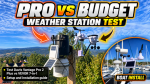

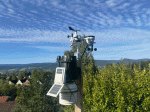
I tested the weather station against my Davis Vantage Pro2 Plus, which costs 15–20 times more than the VEVOR. You can watch the full comparison, installation, and setup guide here:
https://youtu.be/coe8wnshf2I.
I can reveal that it performs very well, which is why I’m giving it five stars. However, to get the best possible accuracy, I recommend adjusting some of the offset values. And som measures are better than others. See the video for details.
I purchased two weather stations. The only negative point: shipments to Norway are still subject to customs charges and additional fees. I contacted customer service, and they responded very quickly and promised me a refund. PayPal has now confirmed that the refund is on its way.
46 people found this helpful
jose.juan pratique , fiable !
7-in-1 Sensor WiFi(No APP) 7.5" Color Display
Parfait pour amateur comme moi !
0 people found this helpful
Translate review to English
lstpalme Bra, som beskrevet
7-in-1 Sensor WiFi(No APP) 7.5" Color Display
Flott værstasjon av bra kvalitet
0 people found this helpful
Translate review to English
 Jari Seppälä
 sää asema
7-in-1 Sensor WiFi(No APP) 7.5" Color Display
Hyvä ja toimiva sää asema, helppo asentaa
0 people found this helpful
Translate review to English
About this item
Description
VEVOR Multifunctional WiFi Weather Station
The VEVOR weather station features a 7-in-1 sensor that monitors wind speed, temperature, humidity, rainfall, and more. It transmits weather data in real time via a Wi-Fi connection, while the solar panel and Ni-MH battery provide long-lasting power.
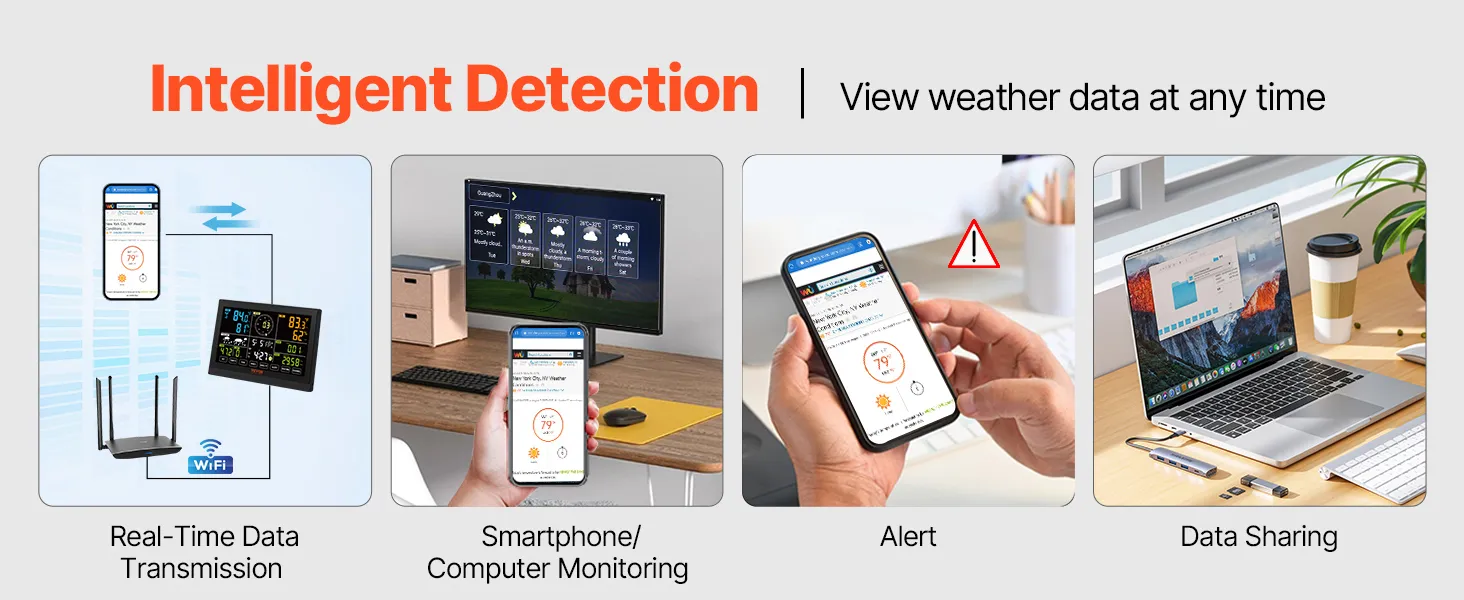

The wireless weather station transmits data in real time to your smartphone, tablet, or computer via a Wi-Fi connection. You can access detailed information such as temperature, humidity, wind speed, etc., with just the touch of a button.
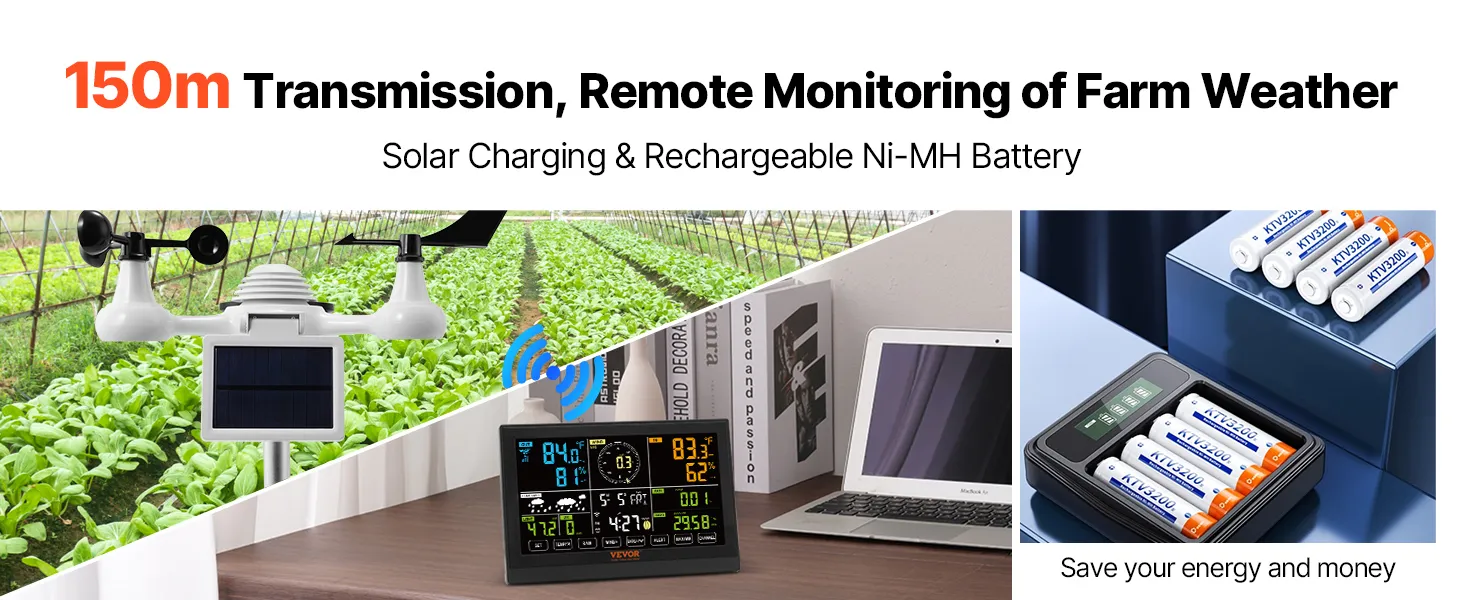
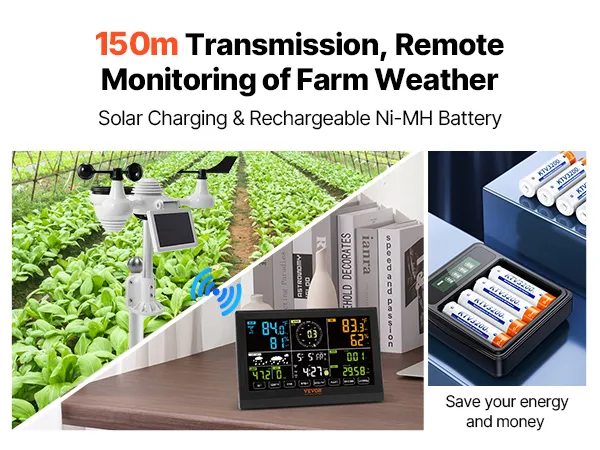
Powerful transmission signal with a range of up to 150 meters, suitable for various locations.
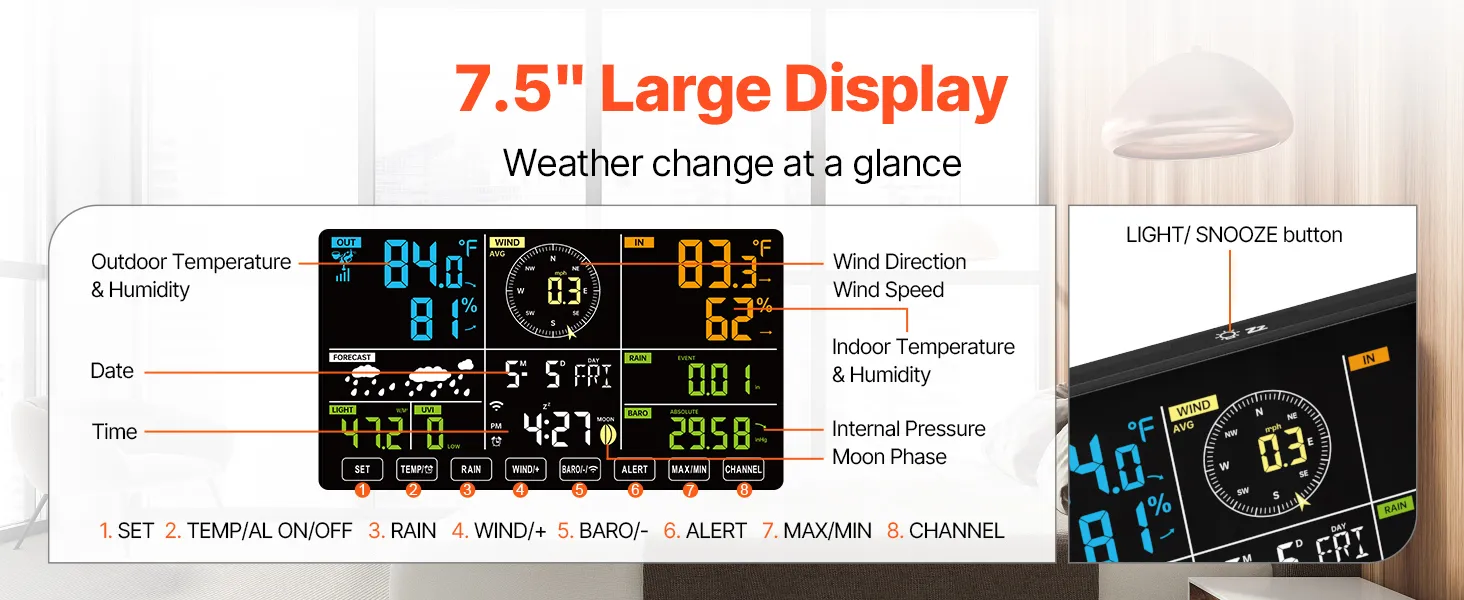
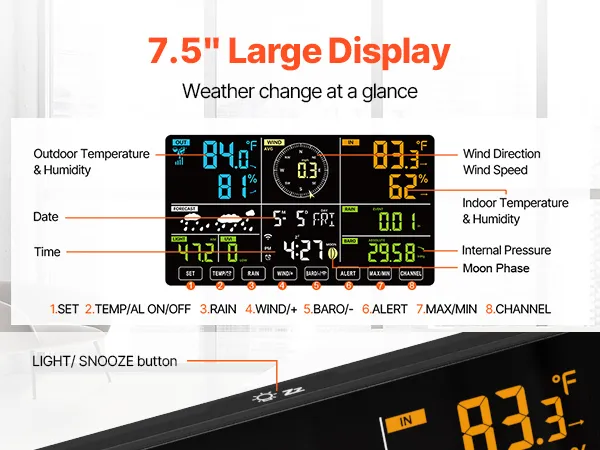
The solar-powered weather station features a large 7.5-inch screen that clearly displays weather forecasts and meteorological data. It has a 4-level backlight to adapt to different environments, day and night.
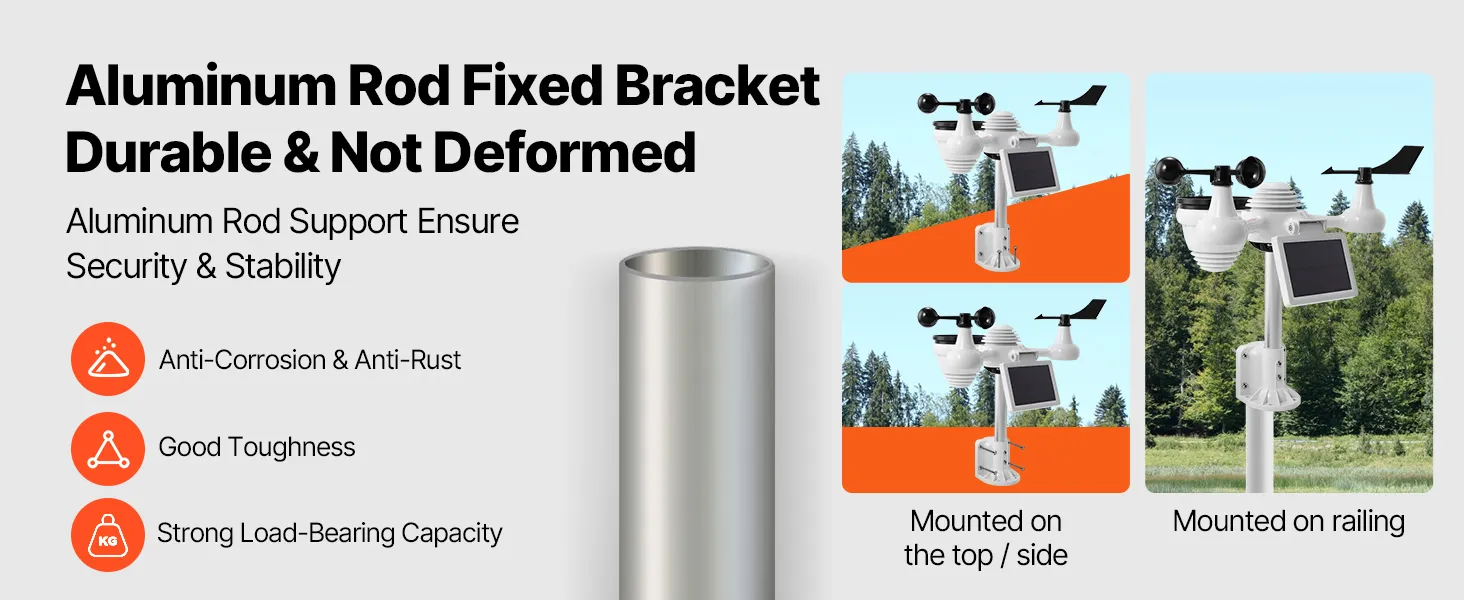

Our weather station is equipped with a sturdy mounting bracket made of aluminum poles, which is corrosion- and rust-free and can withstand harsh environments. It has a high load-bearing capacity and is stable enough for mounting on top, side, or railings.
Product guides and documents
98% Left
In Stock