


I've been using this VEVOR Thermal Label Printer for two years now, printing hundreds of shipping labels every month, and it still works just like new! The print quality remains excellent, and the printer has proven to be extremely reliable even with regular, intensive use. It's fast, convenient, and perfect for a business that handles a large number of shipments. One of my best purchases from VEVOR. Excellent value for money and highly recommended!
SKU: BQDYJYTSYCLYO04UGV2


Top highlights
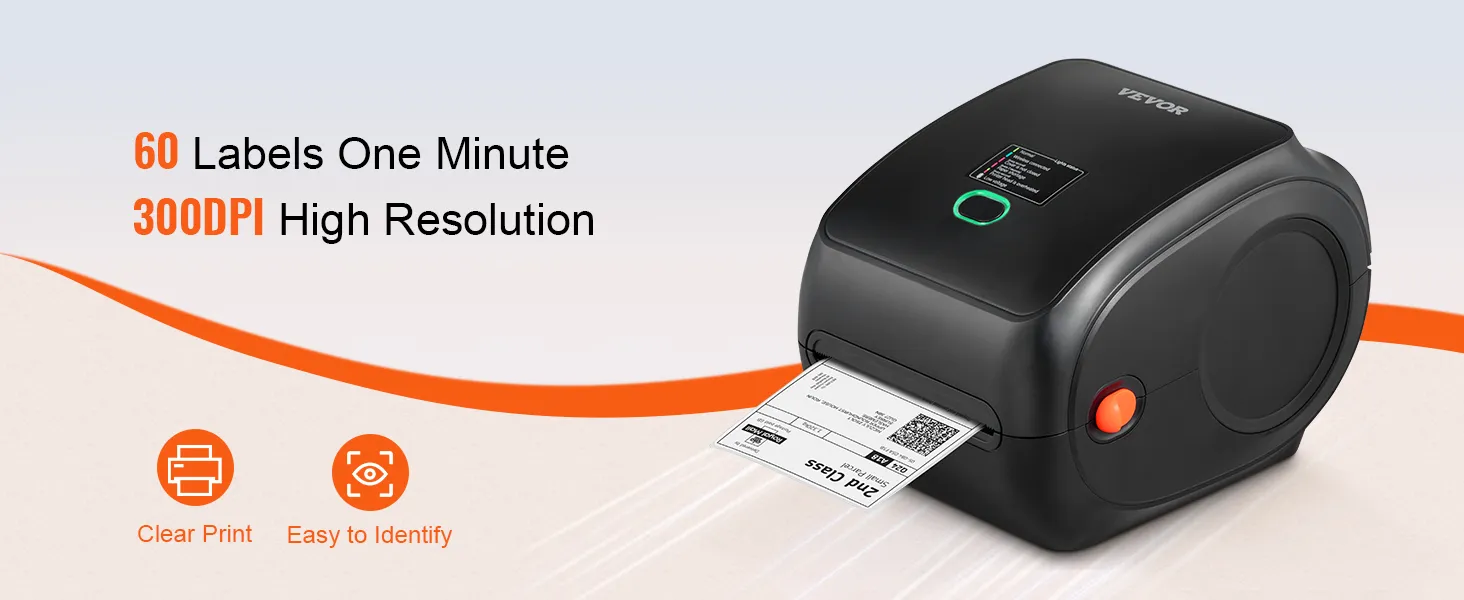
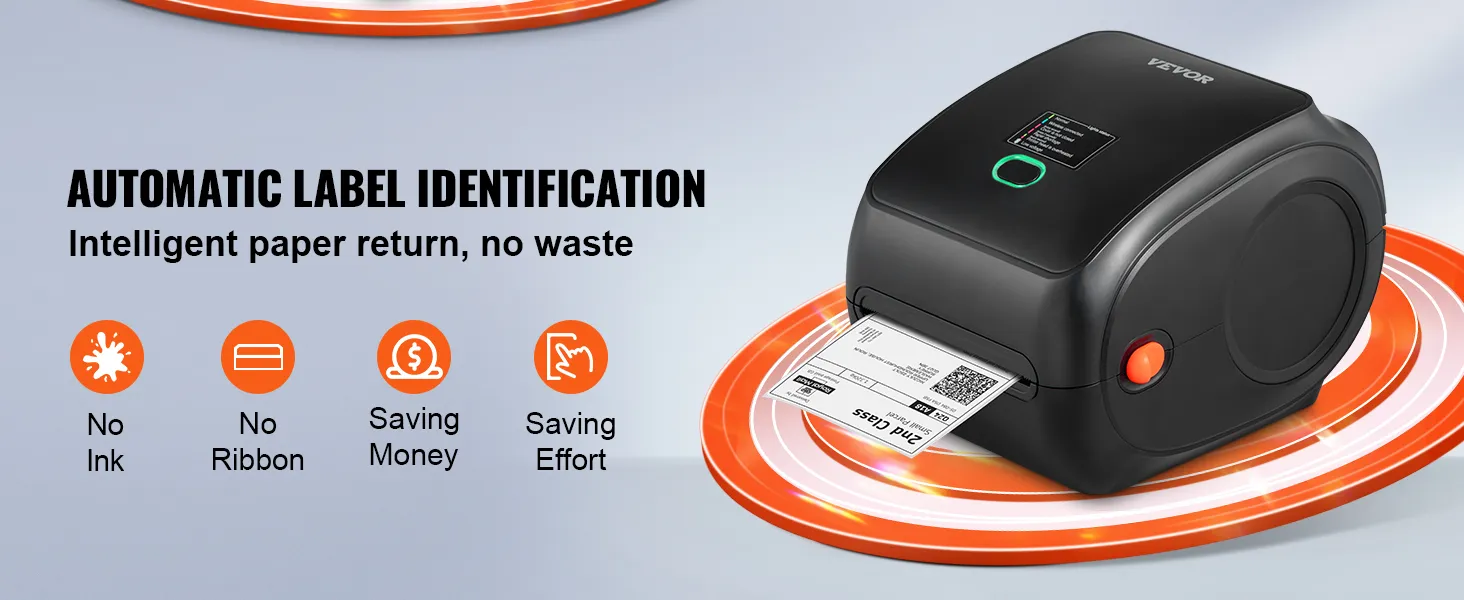
- 300 DPI thermal printing ensures clear, stable results without ink or toner.
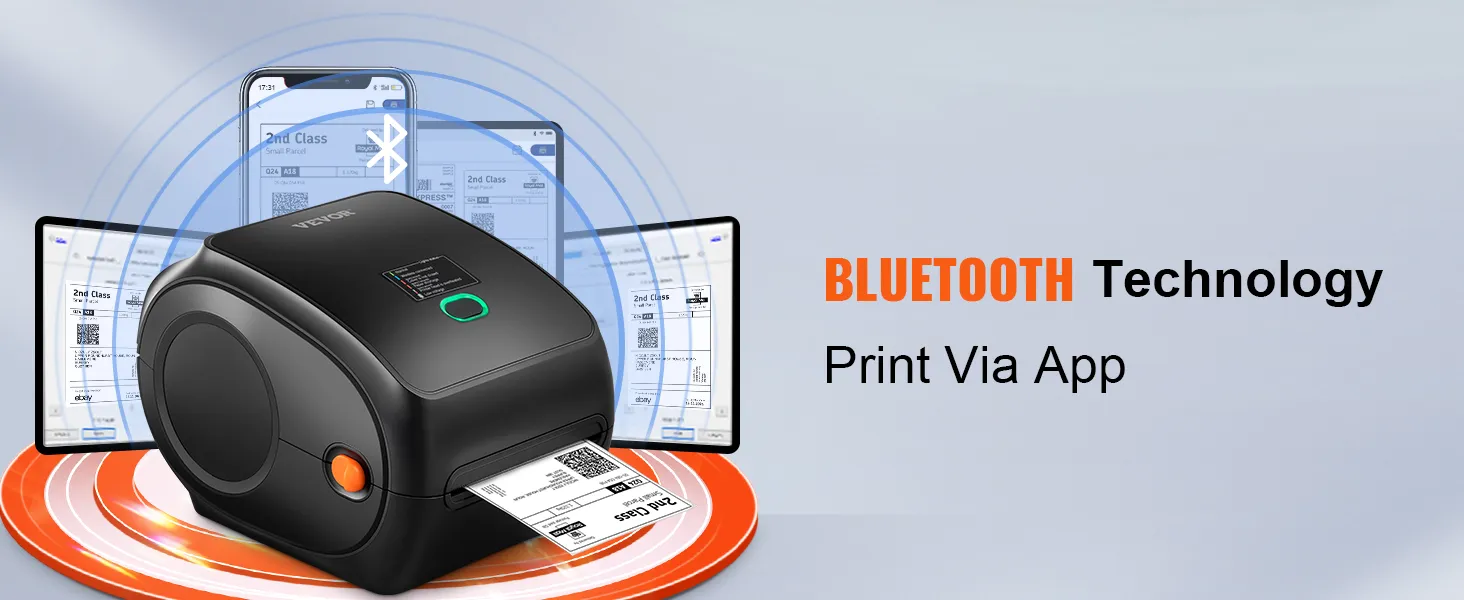
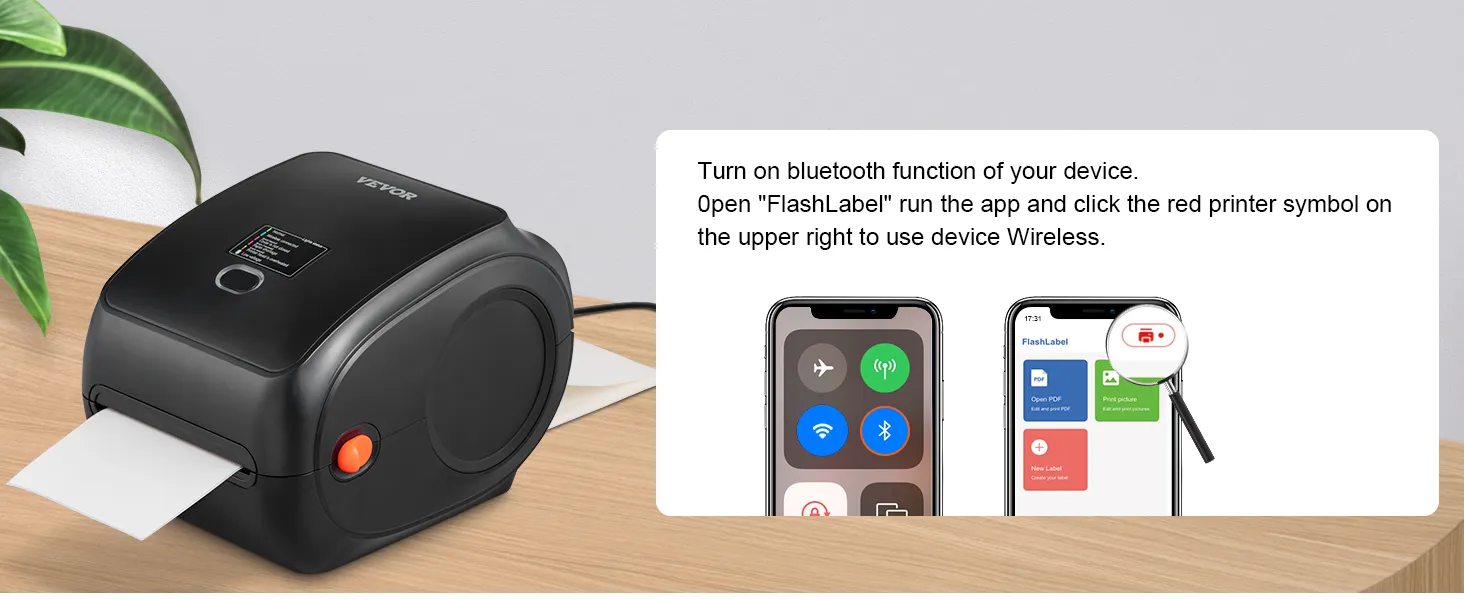
- Wireless Bluetooth and USB connectivity compatible with iOS, Android, Windows, Mac OS, Linux, and Chromebook.
- 150 mm/s high-speed printing handles up to 3600 labels per hour for maximum efficiency.
AI Summarized from product information
Specifications
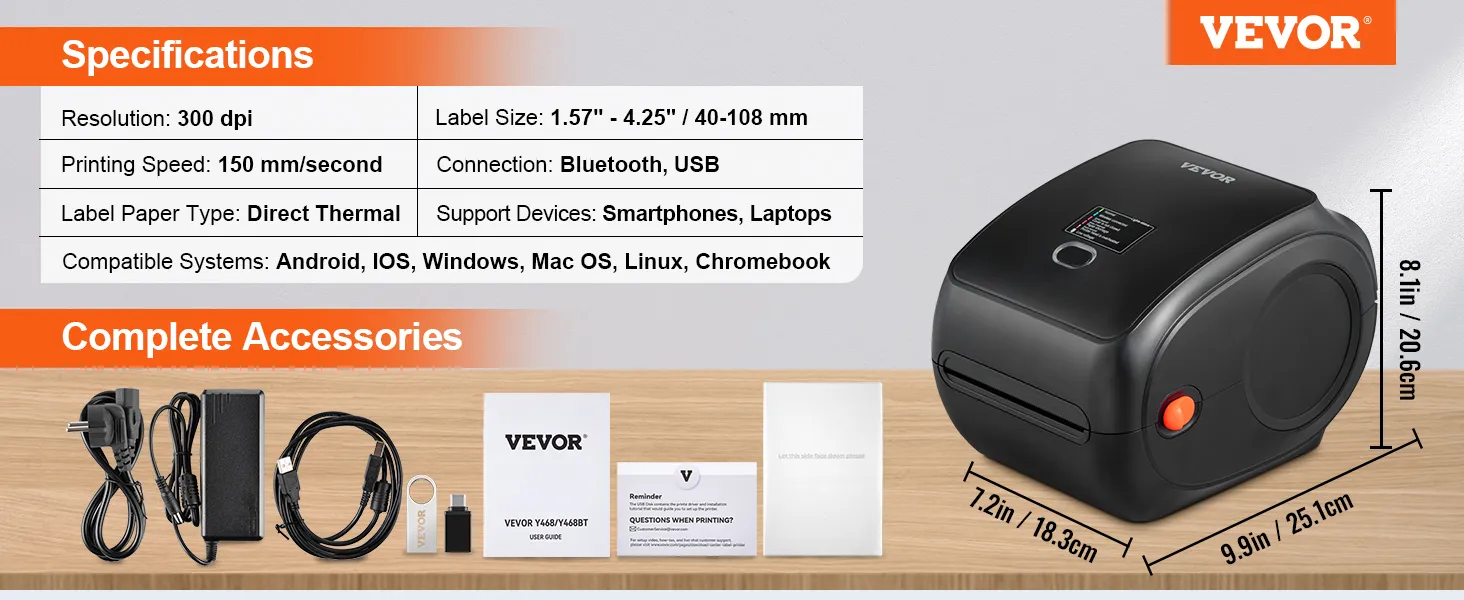
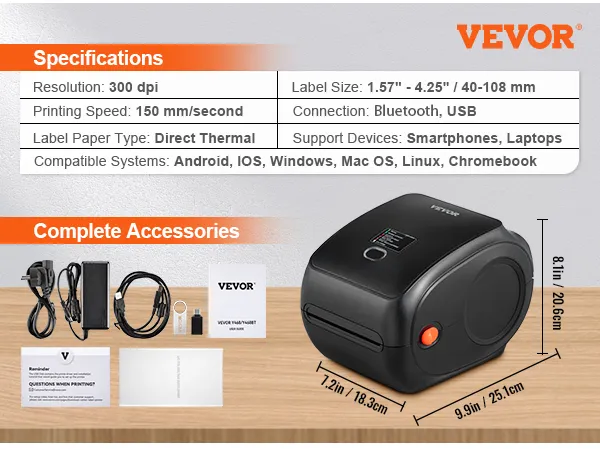
- Resolution 300 DPI
- Connection Bluetooth / USB
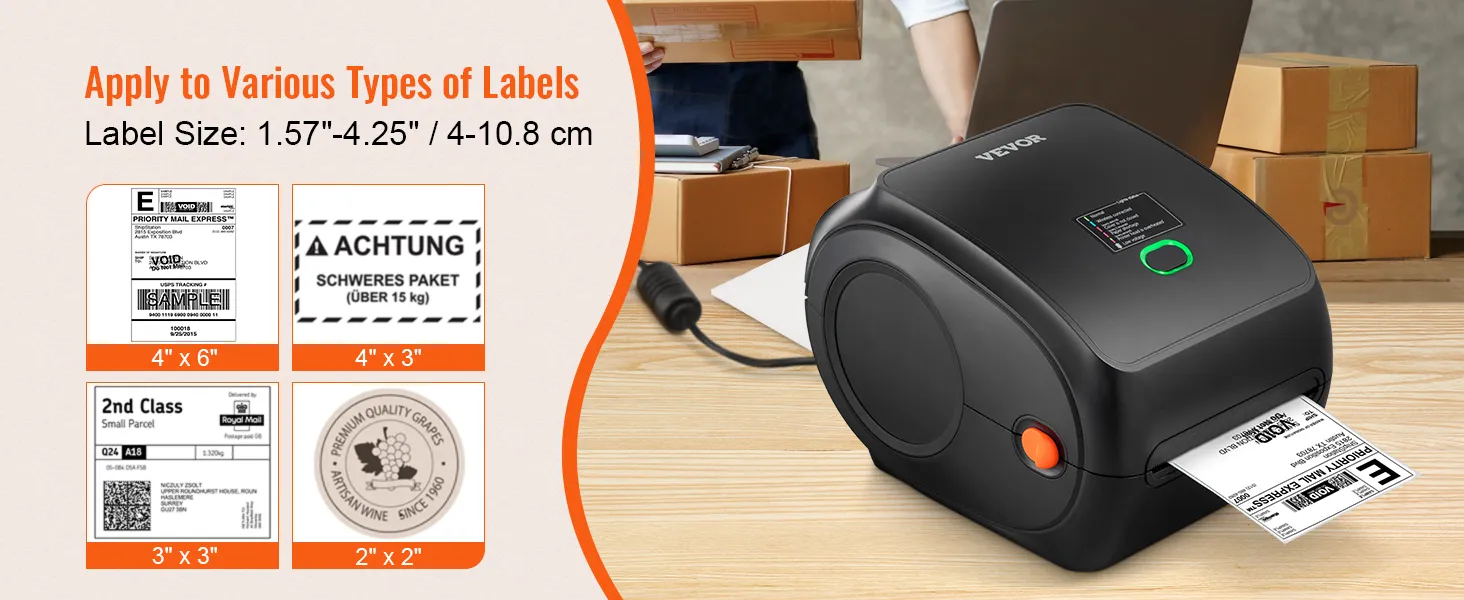
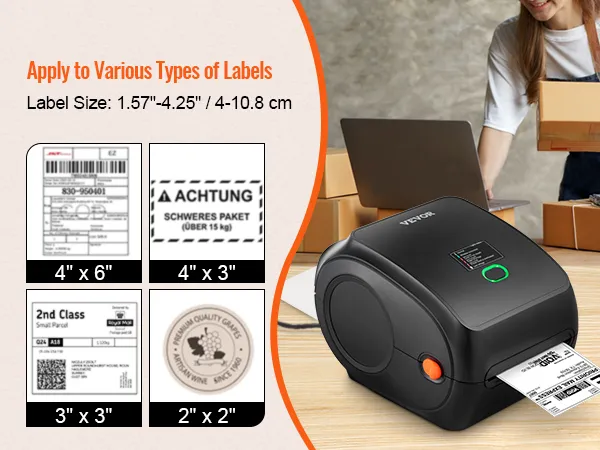
- Label size 40-108 mm (1.57-4.25 inches)
- Print speed 150 mm/s (6 ips)
- Label paper type Thermal direct
- Supported devices Smartphones, laptops
Reviews · 4.8
Reviews · 4.8
 Ciprian Gavrus
in
 on Nov 04,2026
Integrated USB + Bluetooth Black
 Heiki
in
 on Oct 30,2026
Integrated USB + Bluetooth Black
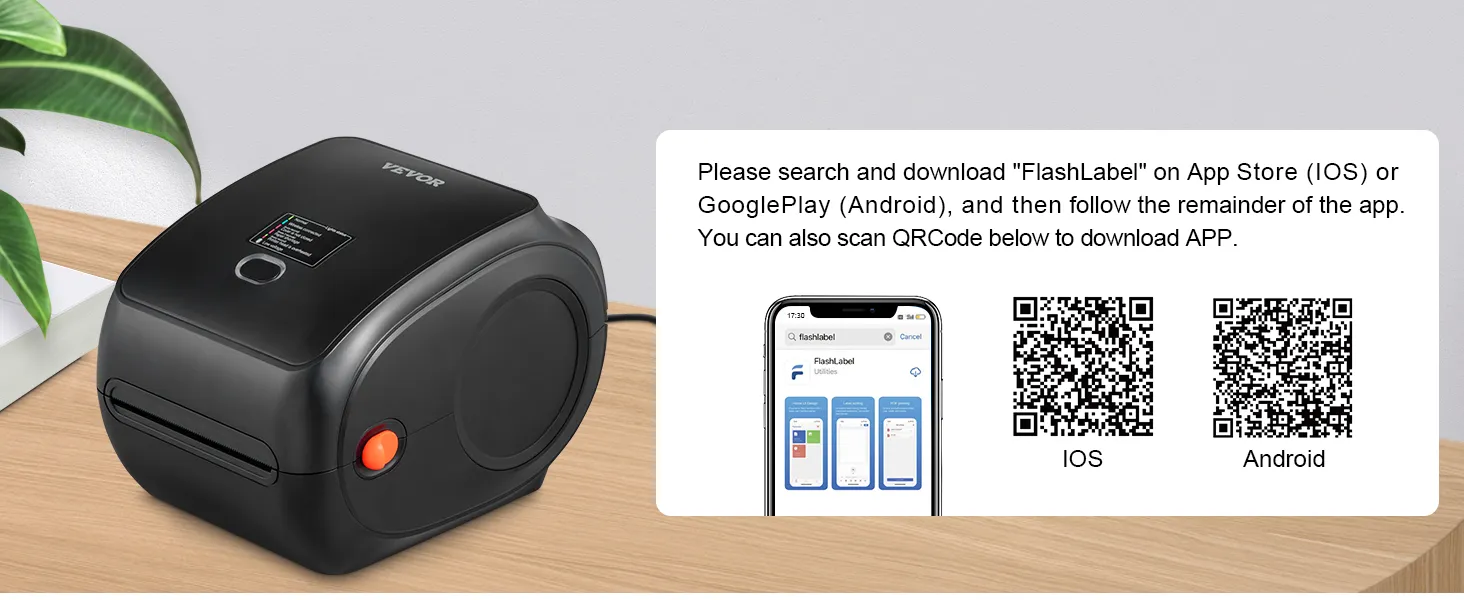
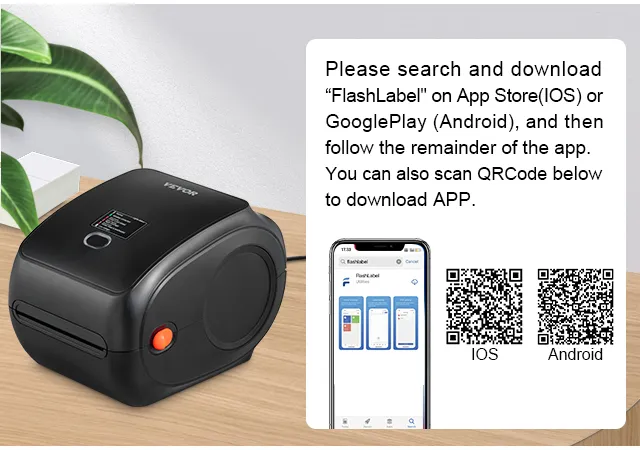
Satisfied. You should downlod Flaslabel Pro and then can use via Bluetooth windows computer.
About this item
Description
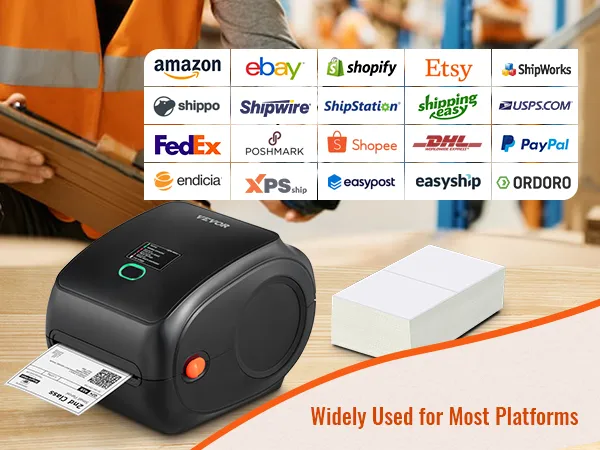
Your ideal assistant for e-commerce and mail-order businesses!
Our label printer features the latest thermal printing technology, eliminating the need for ink and toner, saving you time and money. With a print speed of 300 dpi and 150 mm/s, our thermal printer produces 3600 labels per hour via Bluetooth/USB.
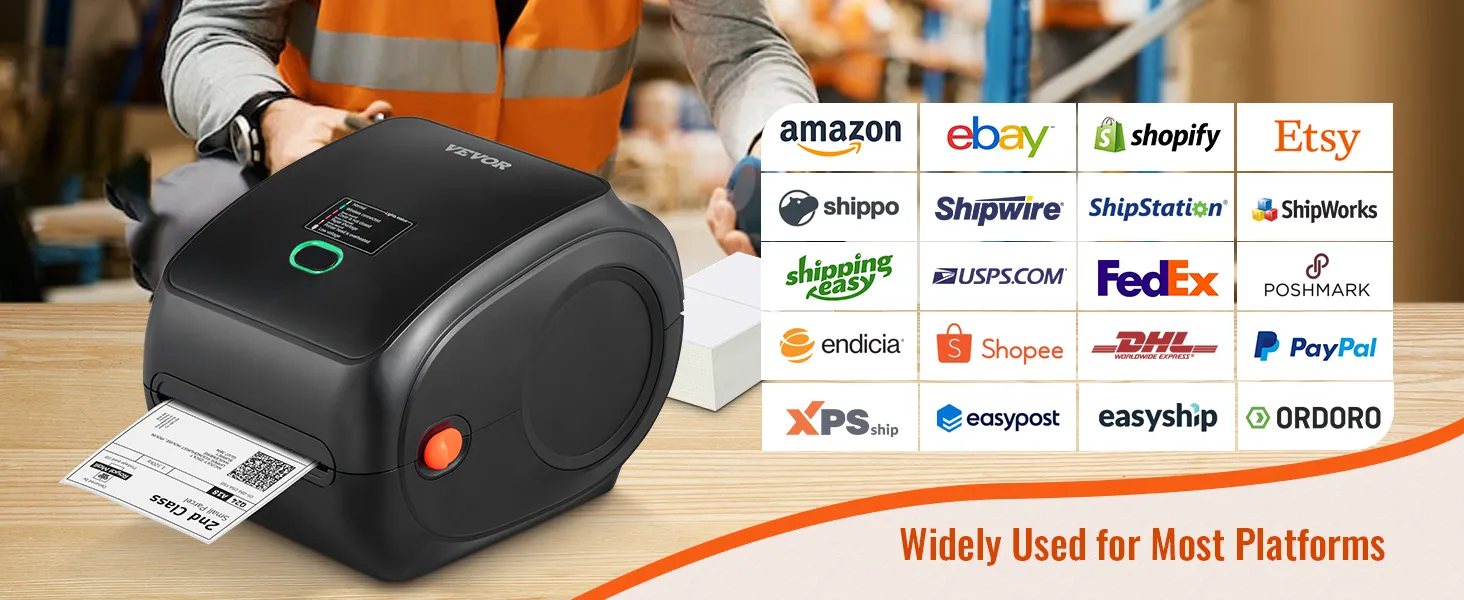
More about VEVOR thermal printers
Q:Can it print color images?
A:No. All thermal printers cannot print color images.
Q:Why is it printing blank pages?
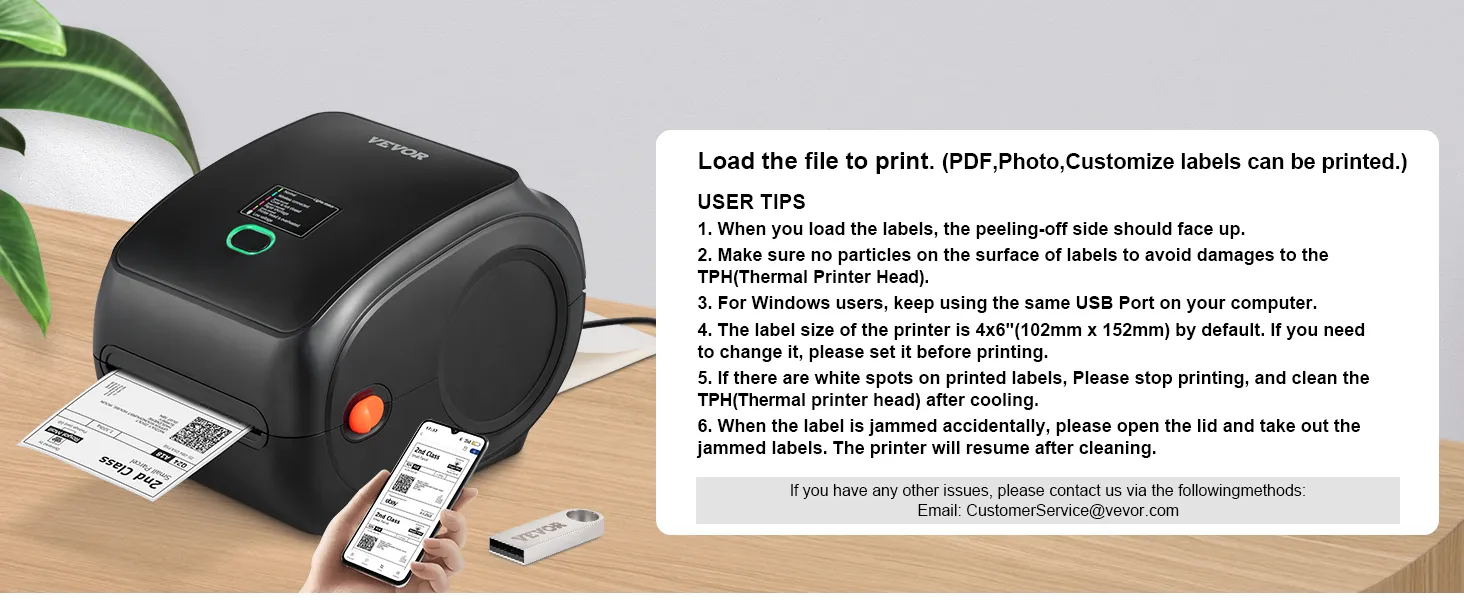
A:Make sure you are using thermal labels and that the labels are correctly aligned with the label facing upwards.
Q : I installed the driver for the shipping label printer. Why can't I print yet?
A:The shipping label printer must be turned on and connected to the computer before the driver can be installed. Uninstall the driver and try installing it again.
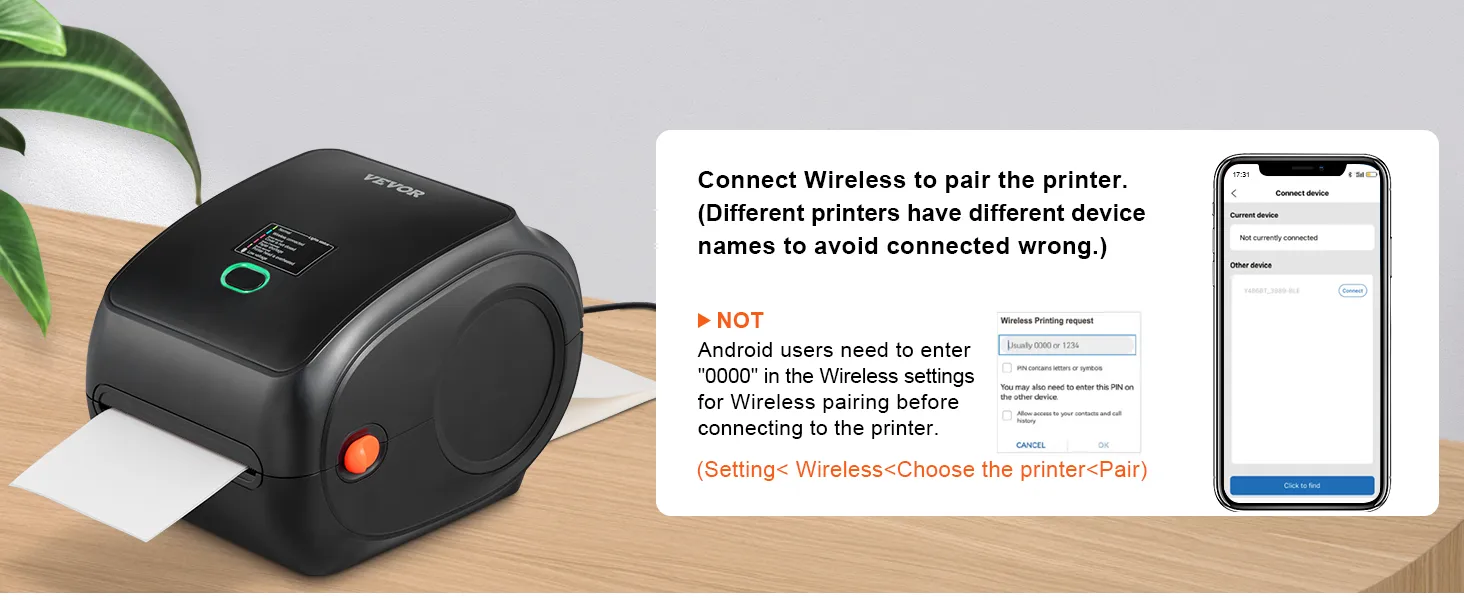
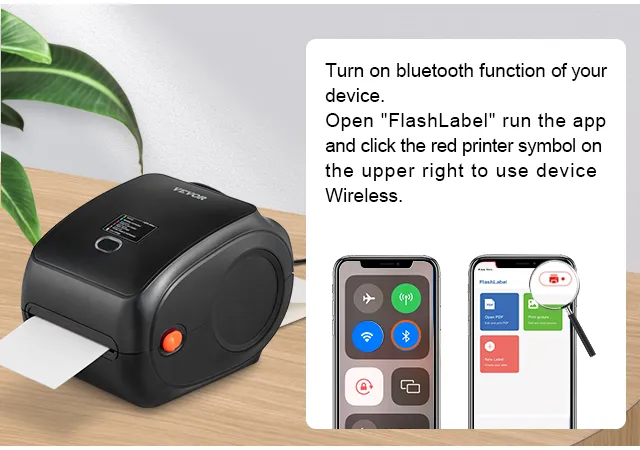
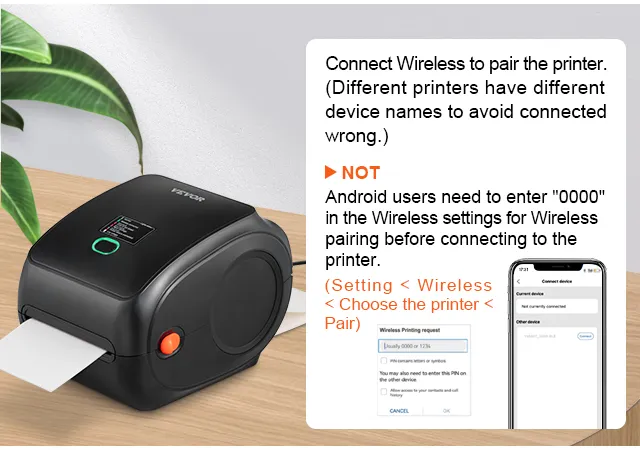
Q:How can I establish a Bluetooth connection to print the labels via my mobile phone?
A:Download the "Shipping Printer" app to your phone and then establish the Bluetooth connection via the app, but not via the phone settings.
Q:How can I calibrate the label printer?
A:Press and hold the feed button until the indicator (blue) flashes twice. Release the feed button and the printer will begin calibrating.
Q: What is the connection for this label printer?
A: This label printer has both Bluetooth and USB connectivity options. However, it should be noted that Bluetooth cannot be used with a PC and is only for mobile devices.
Product guides and documents
Frequently Bought Together
VEVOR Thermal Label Printer 300DPI Label Printer 3600 Labels per Hour Shipping Label Printer Bluetooth/USB Automatic Label Detection Windows Mac OS Linux Chromebook
4.8 127
114 90 €
Get -% off for new user
Each when you buy 0+.
Shop
5,00€ off 1st App Order 99,00€+
In Stock