

Deals
VEVOR Thermal Label Printer 300DPI Label Printer 3600 Labels per Hour Shipping Label Printer Bluetooth/USB Automatic Label Detection Windows Mac OS Linux Chromebook
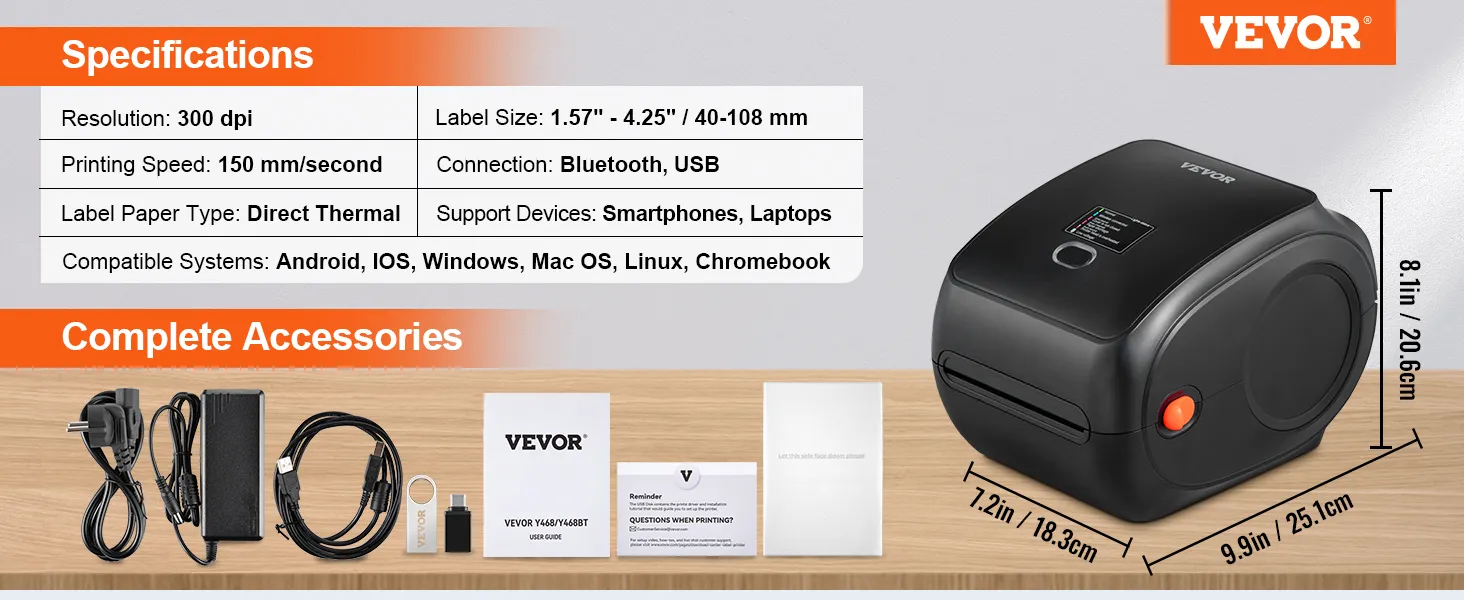
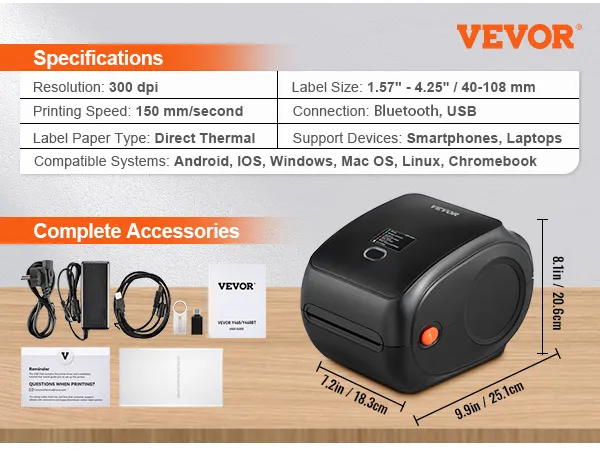
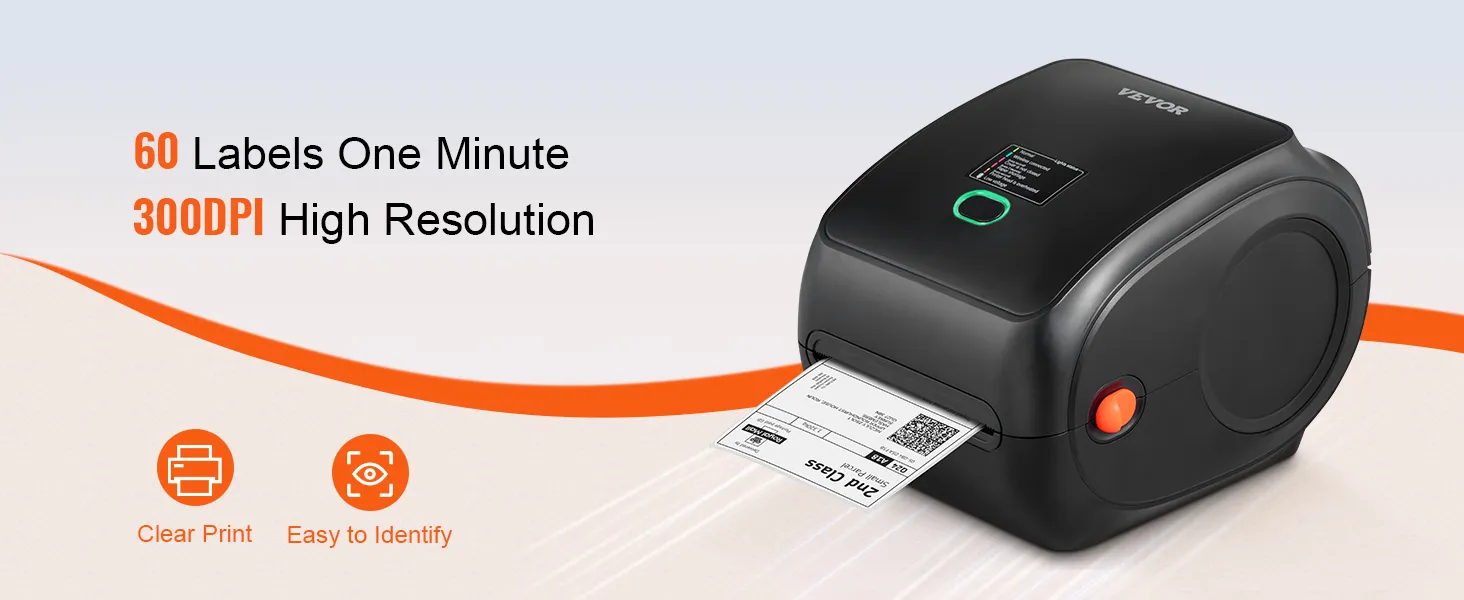
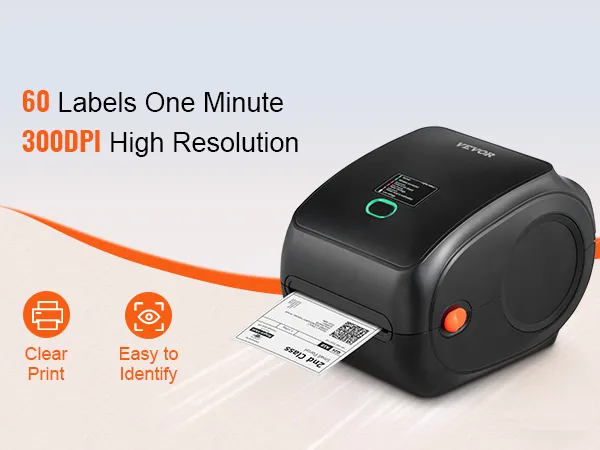
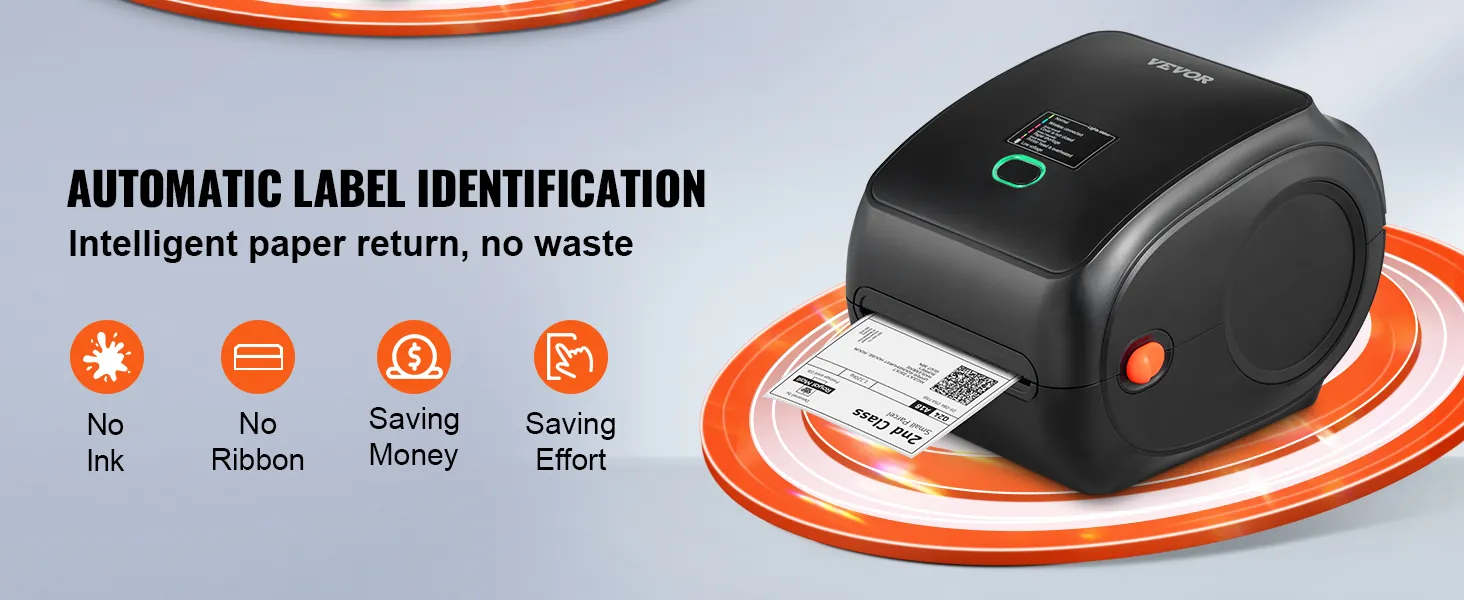
- 300 DPI clear & stable printing: No ink, no toner. Our thermal label printer uses the latest thermal technology to deliver excellent print results and save you money. It features a high resolution of 300 DPI, making small print or labels with barcodes easy to read. There are no white dots, and the print remains consistently uniform thanks to ROHM's high-tech thermal printhead.
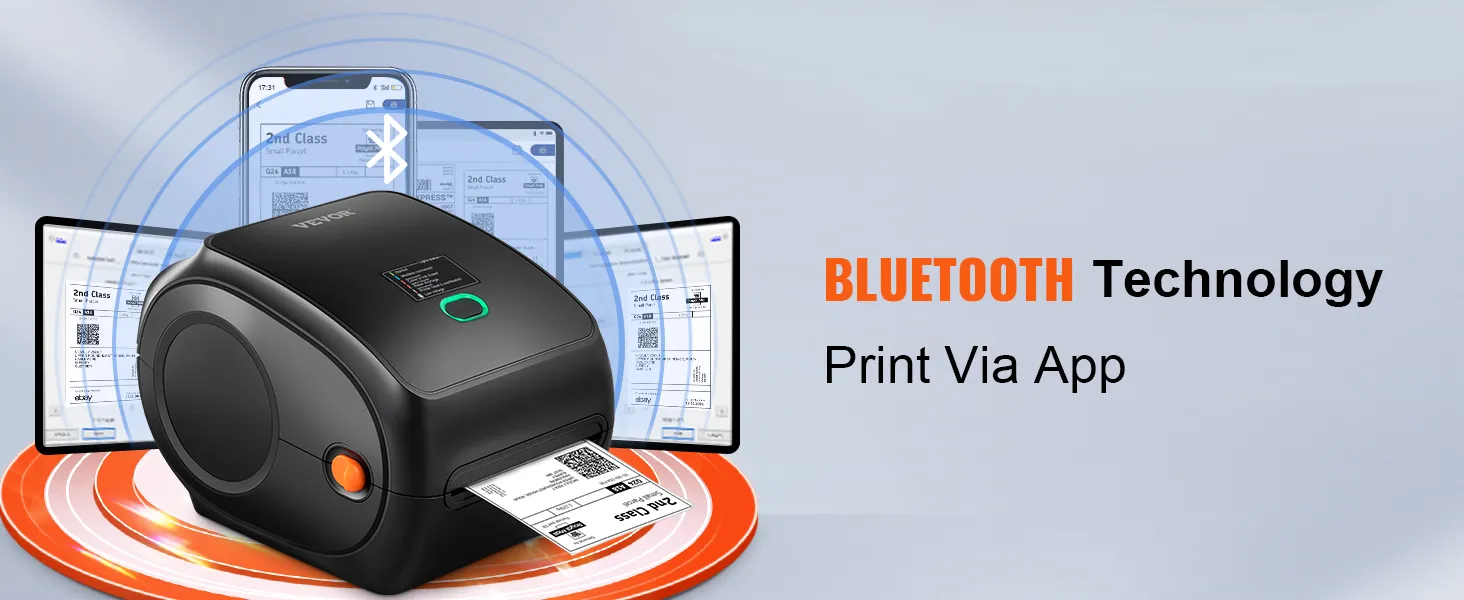
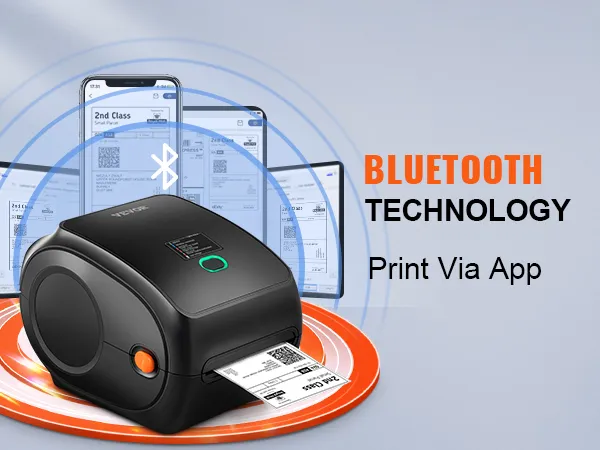
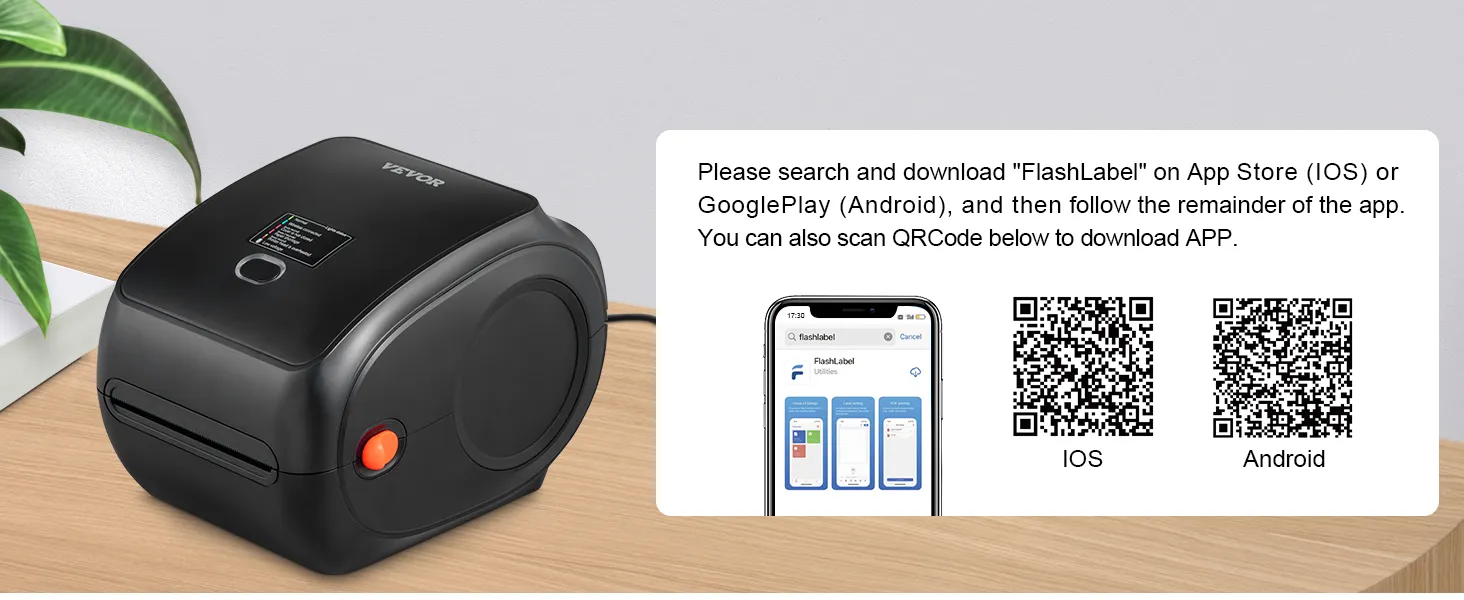
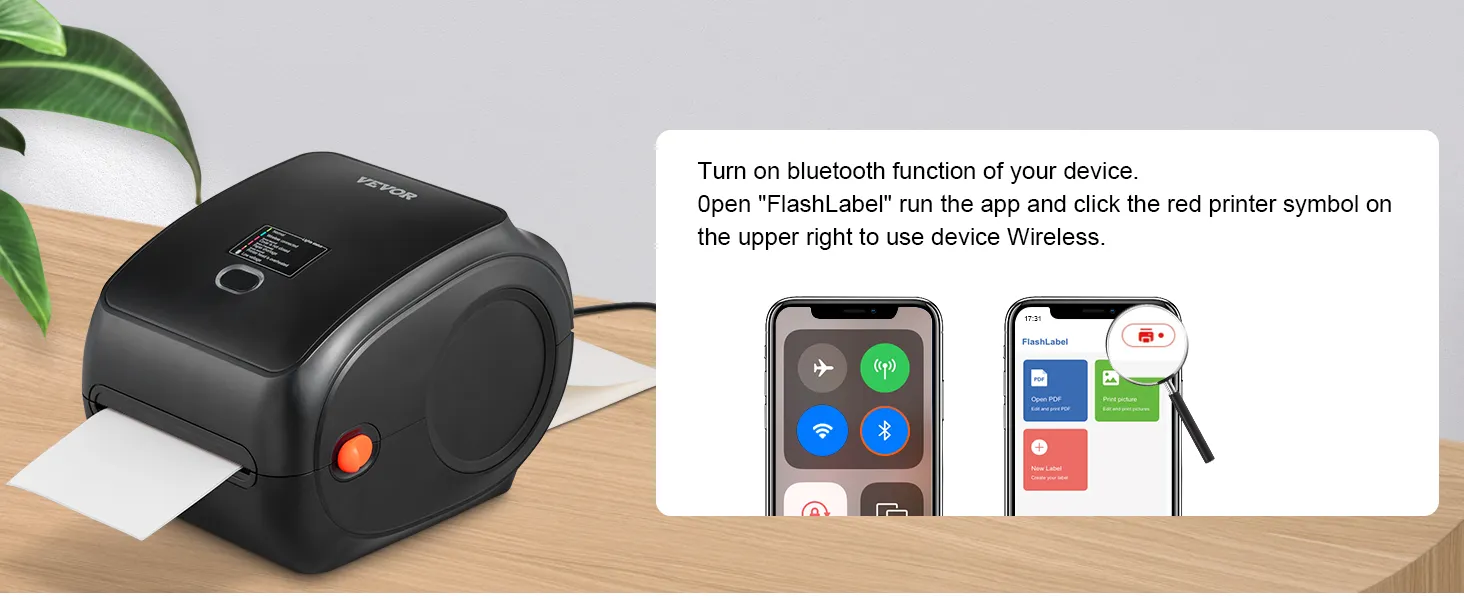
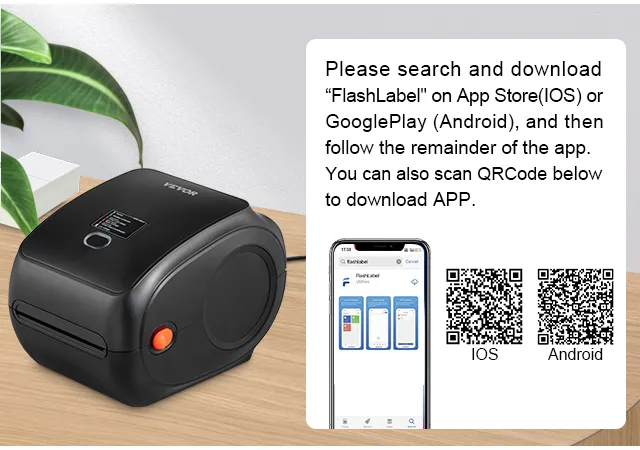
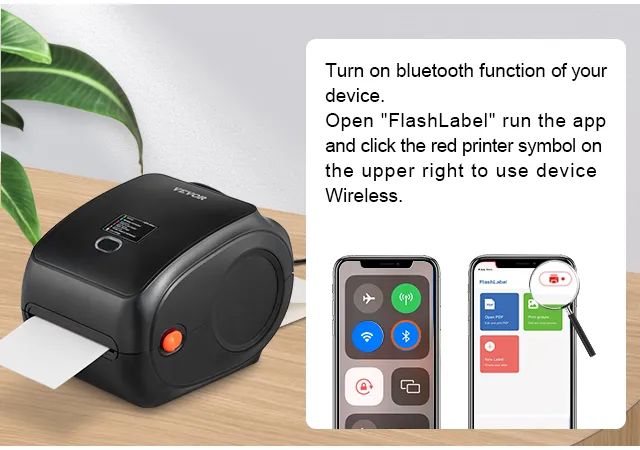
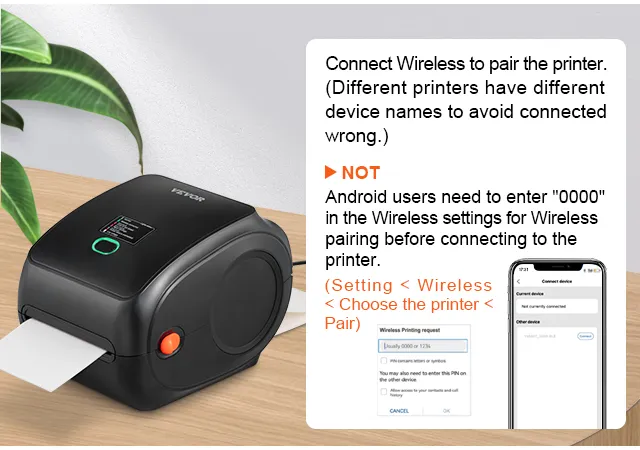
- Wireless Bluetooth connection: Ditch the cables and experience Bluetooth! Unlike other label printers that print via USB, VEVOR thermal printers can be connected via Bluetooth or USB. This label printer is compatible with iOS, Android, Windows, Mac OS, Linux, and Chromebook. Please download the driver as instructed before printing.
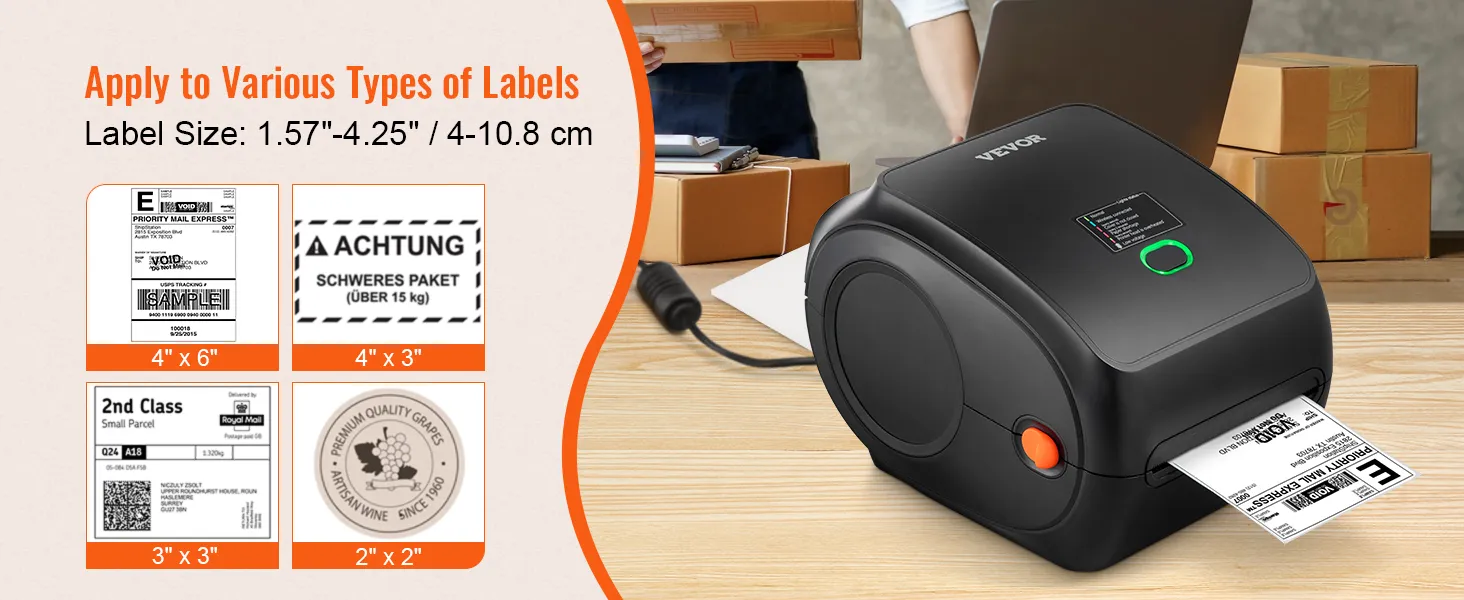
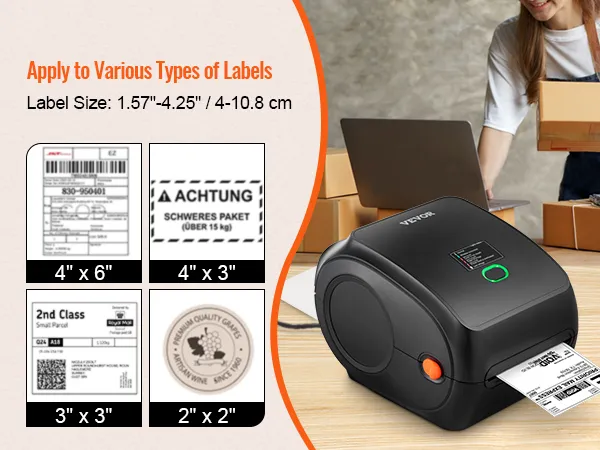
- 150 mm/s High-Speed Printing: Thanks to its 150 mm/s (6 ips) high-speed printing technology, our shipping label printer can print 3600 sheets of 4 x 6 labels per hour, significantly improving your work efficiency. Suitable label widths: 40-108 mm. Ideal not only for shipping labels, but also for barcodes, ID labels, DIY labels, FBA labels, address labels, reminder labels, etc. Get your labels printed right. Quality comes with speed.
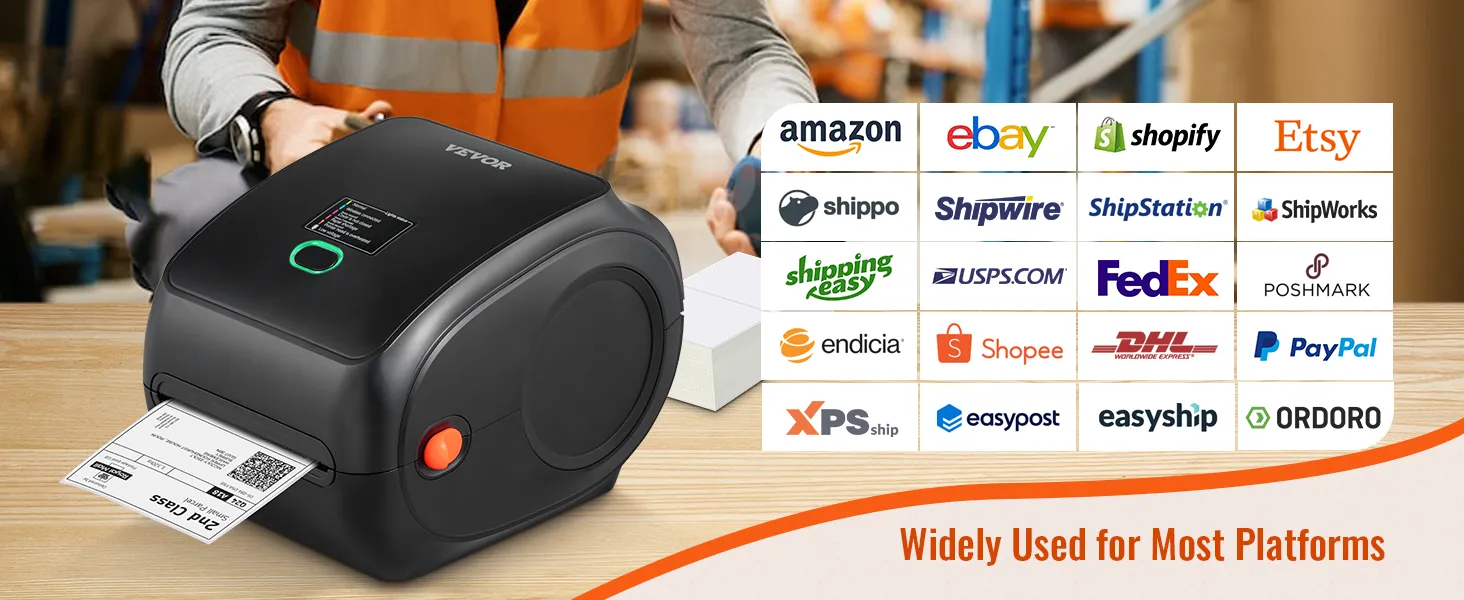
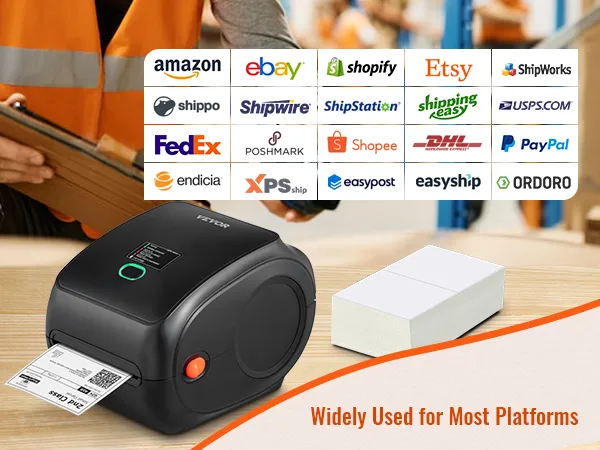
- Multi-platform support: The VEVOR label printer is designed to improve your work efficiency and provide greater business convenience. It can meet the requirements of various e-commerce and shipping platforms, including Amazon, eBay, Shopify, PayPal, Etsy, UPS, XPSship, Shippo, ShippingEasy, WorldShip, OrderCup, FedEx, and more. Get your business up and running today!
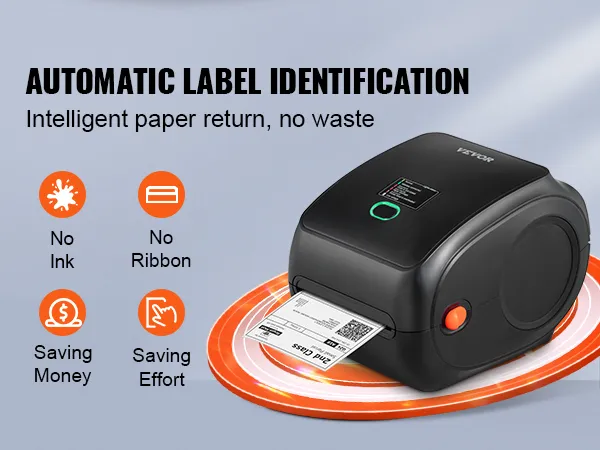
- Automatic label detection: This desktop label printer can catch labels and automatically feed them into the printer. Simply close the cover and load the paper from the back of the printer, then watch as the device effortlessly detects the labels. It also features an automatic paper return function that retrieves unsuitable labels to prevent waste. Start saving and improving with VEVOR.
Frequently Bought Together
Reviews
About this item
More about VEVOR thermal printers
Q:Can it print color images?
A:No. All thermal printers cannot print color images.
Q:Why is it printing blank pages?
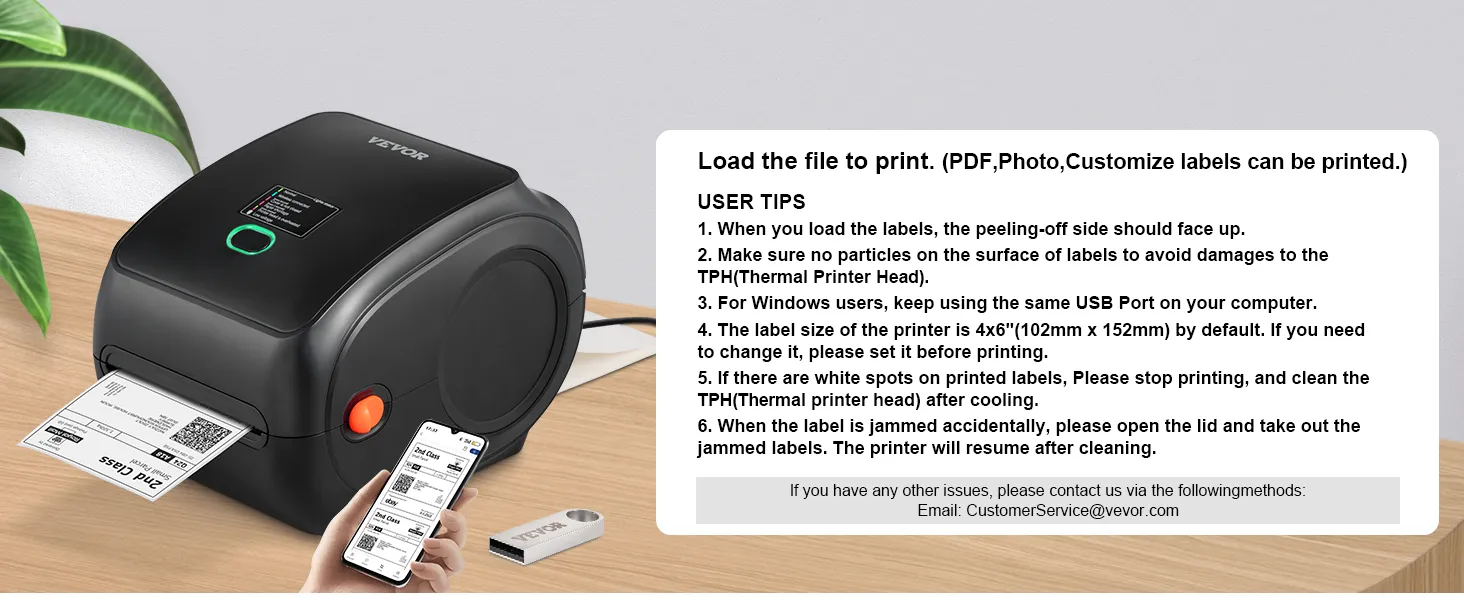
A:Make sure you are using thermal labels and that the labels are correctly aligned with the label facing upwards.
Q : I installed the driver for the shipping label printer. Why can't I print yet?
A:The shipping label printer must be turned on and connected to the computer before the driver can be installed. Uninstall the driver and try installing it again.
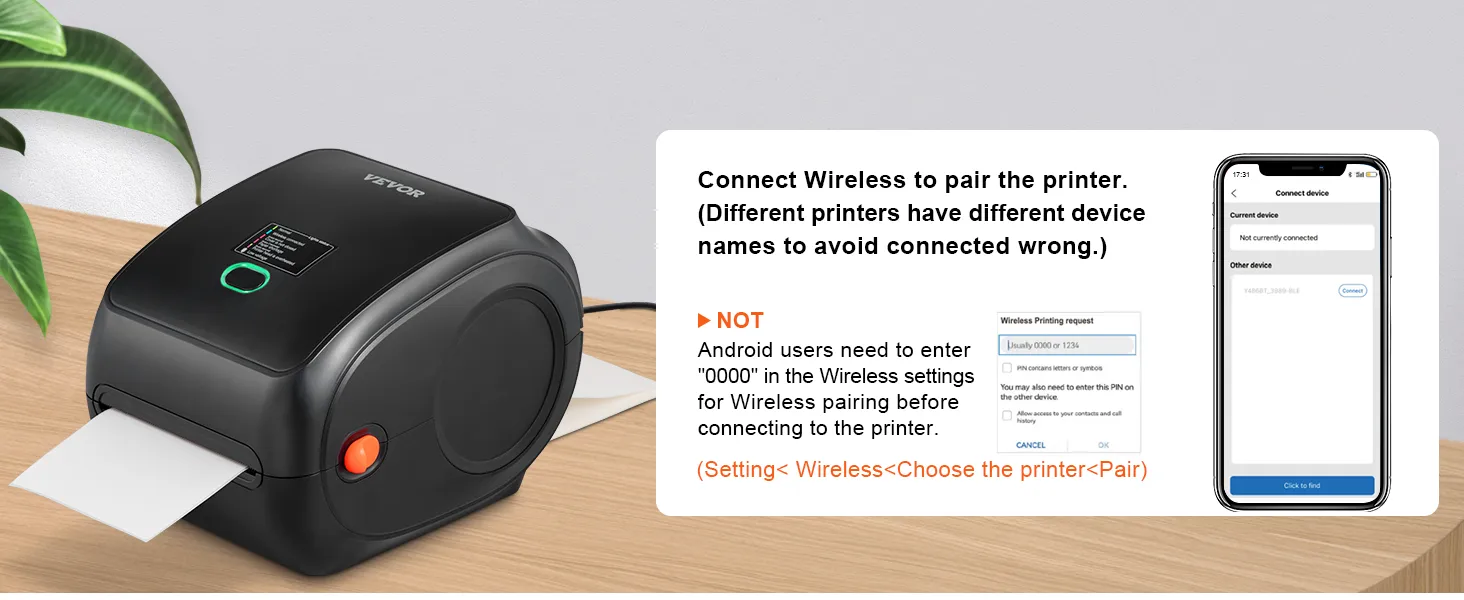
Q:How can I establish a Bluetooth connection to print the labels via my mobile phone?
A:Download the "Shipping Printer" app to your phone and then establish the Bluetooth connection via the app, but not via the phone settings.
Q:How can I calibrate the label printer?
A:Press and hold the feed button until the indicator (blue) flashes twice. Release the feed button and the printer will begin calibrating.
Q: What is the connection for this label printer?
A: This label printer has both Bluetooth and USB connectivity options. However, it should be noted that Bluetooth cannot be used with a PC and is only for mobile devices.